Overview
Shell for Confluence is a free Confluence Cloud app that lets you manage spaces and pages from a bash-like console. It maps your site to a filesystem: / is the site root, followed by spaces and their pages.
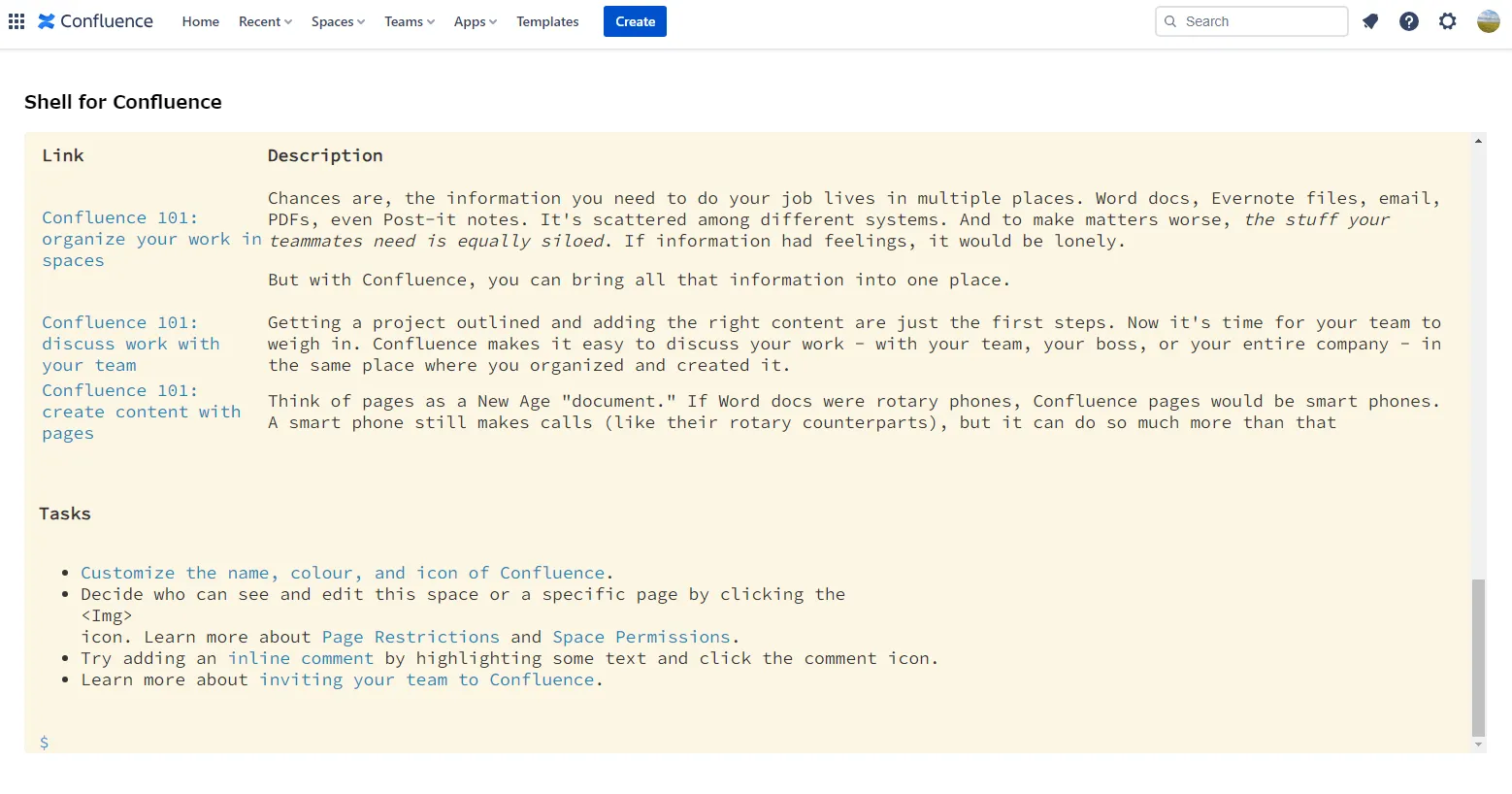
Navigate content
Section titled “Navigate content”Use ls, ls -l, ls --format csv, pwd, and cd to navigate spaces, pages, and Confluence folders. Use cat, open, and find (-name, -maxdepth, -mtime, -label, -prune, -ls, --format csv) to view or find content. Use tree for an ASCII page tree (-L / --maxdepth; default depth 3). Tab completion and command history make deep page trees easier to navigate.
Filter results with grep, head, tail, wc, or sort. To search page content, use find … -exec grep PATTERN. To create shortcuts in your browser, use alias and unalias. For help, enter help or help <command>.
Organize pages like files
Section titled “Organize pages like files”Use mv, cp, touch, and rm (or del) to move, copy, create, and delete pages. You can pass multiple page names, use * / ? on source paths, or pipe paths from find or grep (at most 100 sources). Moves and copies can target another space — a cross-space mv needs -y / --yes. cp -r copies a whole page tree (max 200 pages). Use label to add or remove page labels in bulk, and archive to send pages to Confluence native archive (Standard plan or above). Use attach for page attachments (list, find, trash, rename) and du for attachment sizes. Folders can be listed and searched but not moved, copied, deleted, archived, or labeled. Pipe long output through less. Use checkout or restore to work with page versions.
Use cases
Section titled “Use cases”See Use cases for recipes that combine these commands.
Choose a theme
Section titled “Choose a theme”Use theme to switch console themes and adjust font, size, and height. Settings persist in this browser.
The top level is /. It contains spaces, and each space contains its pages. Use cd to move through this structure.