Dark Mode
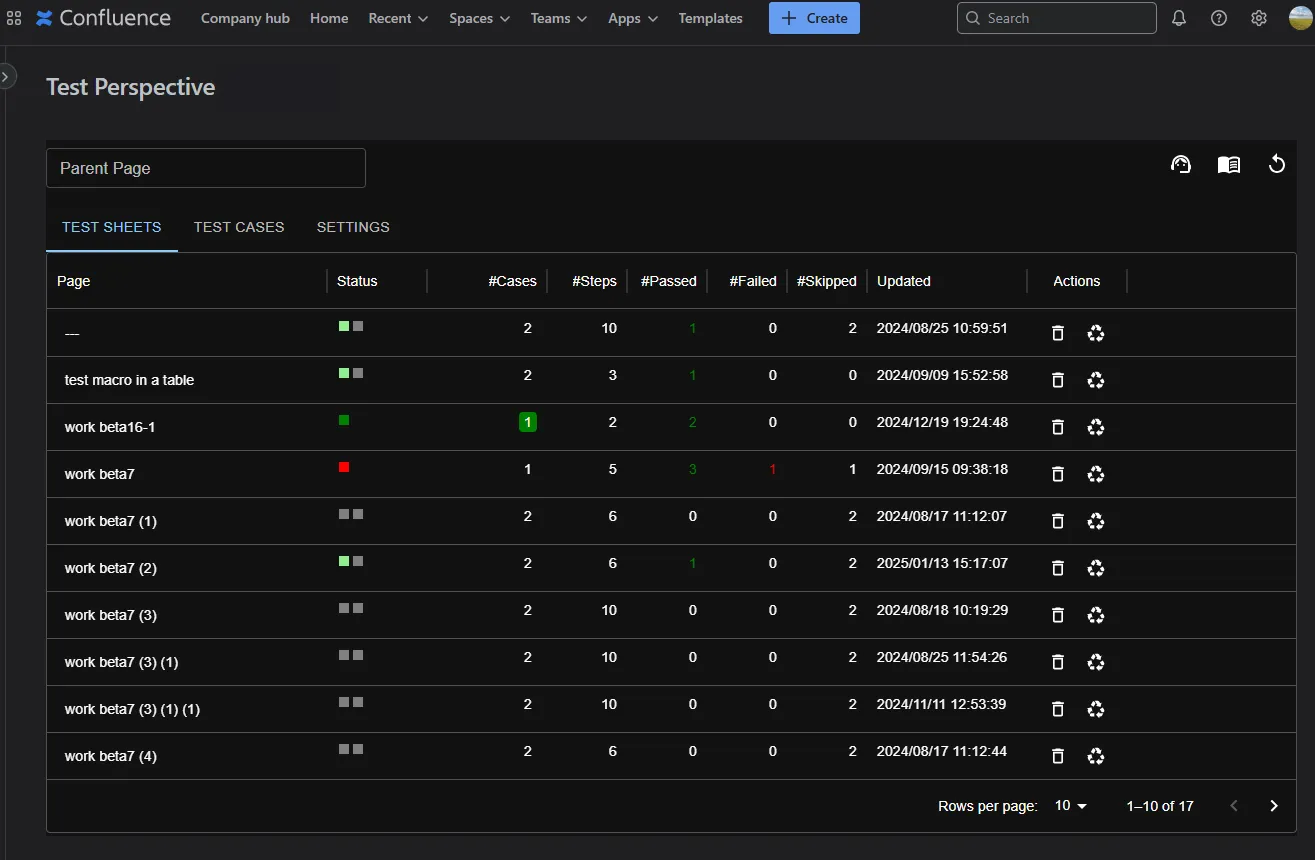
This app integrates with Confluence’s Dark Mode theme, providing a gentler and more refined display. This page explains how to enable and use Dark Mode.
Overview of Dark Mode
Section titled “Overview of Dark Mode”When Dark Mode is enabled, the background and text colors switch to a darker theme, offering benefits such as:
- Reduction of blue light
- Less eye strain
- Improved visibility due to higher contrast
How to Enable
Section titled “How to Enable”- Set Confluence to the Dark Theme
Go to your Confluence personal setting and select the Dark Theme. - Reload the App
After switching the theme, refresh the page so that Dark Mode is applied in this app.
Example of Dark Mode
Section titled “Example of Dark Mode”