Overview
Effortlessly navigate your Confluence space through a bash-like console, conveniently organizing your page structure like sorting files.
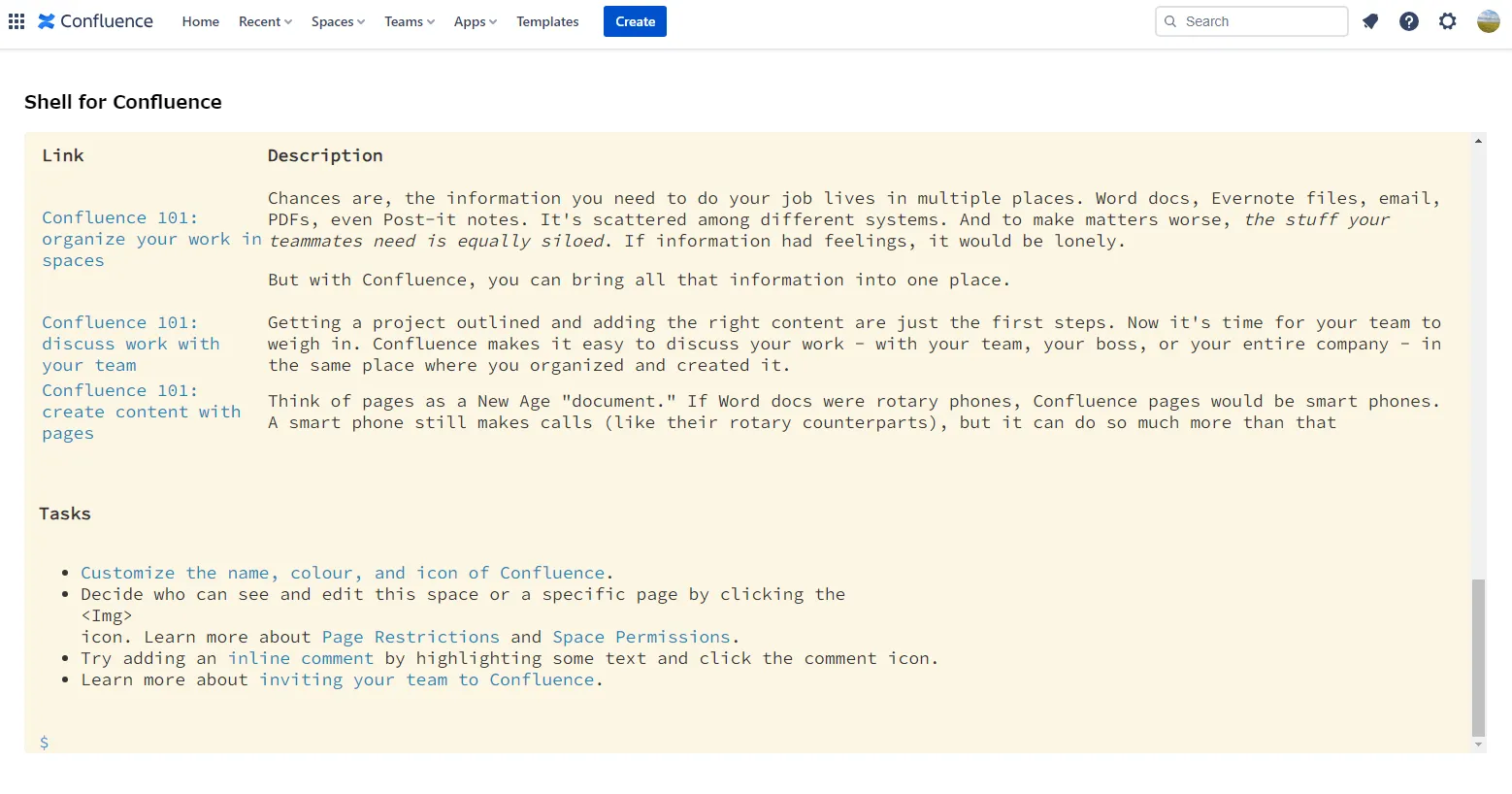
Easily navigate within the Confluence space
Section titled “Easily navigate within the Confluence space”You can use bash commands like ls, pwd, cd, cat, and open, complete with tab-based auto-completion for options. Plus, enjoy history functionality to conveniently access past commands using the up and down arrow keys.
Organize your page structure like a file
Section titled “Organize your page structure like a file”With commands like mv, cp, and del, you can quickly move, copy, and delete pages.
With a look and feel you like
Section titled “With a look and feel you like”You can switch between three different themes.
In Confluence space mapping, we designate the top level as the root, beneath which are spaces, followed by individual pages, and further nested pages below those. Users can navigate their current location using the ‘cd’ command.
We hope you find it useful. Try it out and let us know what you think!